Laptops ranking
Best Laptops for Programming
Programming laptops should stay responsive with lots of browser tabs, editors, containers, and calls open at once. We ranked these machines for RAM practicality, keyboard comfort, display usefulness, battery life, and whether the platform fits your toolchain.
Updated 2026-07-27
Scores are editorial estimates based on public product data and the published category weights; they are not lab measurements.
Quick picks
Jump straight to the right product for your situation.
Best overall
Best value
Premium or specialist
Top pick
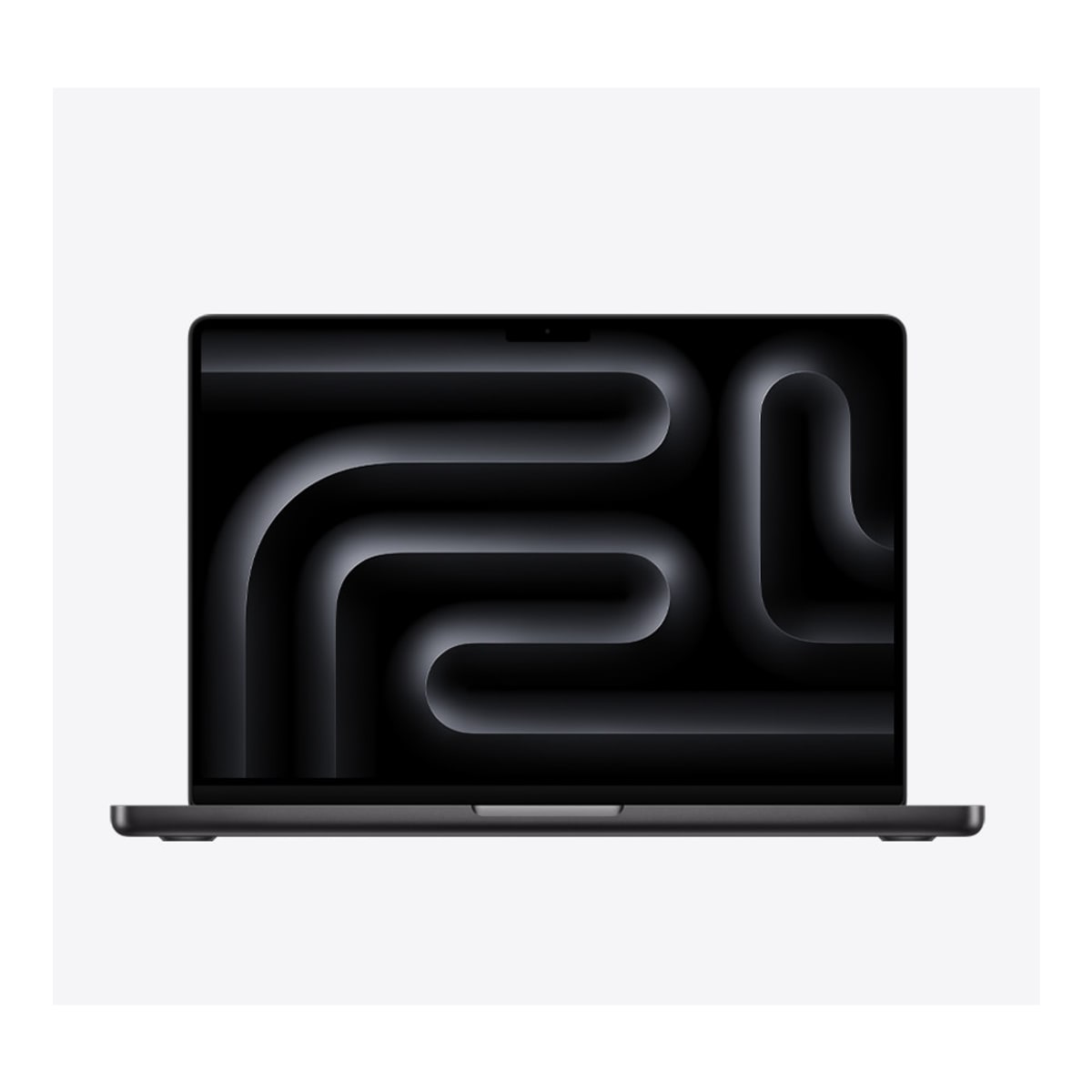
MacBook Pro 14-inch M4
MacBook Pro 14-inch M4 is best suited to creators and pro apps. Compare alternatives if this documented drawback would undermine that fit: RAM or storage upgrades are limited on several thin models.
- 1Editorial 8.9 / 10
MacBook Pro 14-inch M4
MacBook Pro 14-inch M4 is best suited to creators and pro apps. Compare alternatives if this documented drawback would undermine that fit: RAM or storage upgrades are limited on several thin models.
Why it ranks here
MacBook Pro 14-inch M4 earns its spot because it stays practical for creators and pro apps without forcing ugly compromises in battery life, weight, or day-to-day usability around $1499.
Buyer note
Skip it if ram or storage upgrades are limited on several thin models. Confirm RAM, storage, and whether your software needs push you toward a different platform before buying.
Performance
9.4
Battery
8.8
Portability
8.5
- 2Editorial 8.2 / 10
Lenovo ThinkPad T14 Gen 5
Choose ThinkPad T14 Gen 5 when serviceable memory, wired Ethernet and business-focused input/security options matter more than a thin-and-light-first design. Select the exact SKU carefully: its screen, processor, graphics, wireless and battery are not uniform across the family.
Why it ranks here
Lenovo ThinkPad T14 Gen 5 earns its spot because it stays practical for business workhorse and enterprise buyers without forcing ugly compromises in battery life, weight, or day-to-day usability around $1099.
Buyer note
Skip it if ram or storage upgrades are limited on several thin models. Confirm RAM, storage, and whether your software needs push you toward a different platform before buying.
Performance
8.2
Battery
8.2
Portability
8
- 3Editorial 8.1 / 10
Framework Laptop 13
Choose Framework Laptop 13 when repair access and future upgrades matter more than getting the lowest ready-to-use price. Compare a conventional ultraportable if you prefer a fixed configuration, wider retail availability, or fewer component decisions at checkout.
Why it ranks here
Framework Laptop 13 earns its spot because it stays practical for repairable laptops and upgrade-friendly ownership without forcing ugly compromises in battery life, weight, or day-to-day usability around $899.
Buyer note
Skip it if display or speaker quality can feel average once you leave the desk. Confirm RAM, storage, and whether your software needs push you toward a different platform before buying.
Performance
8.1
Battery
7.8
Portability
8.4
- Editorial 8.44
Dell XPS 14
Choose XPS 14 when a refined Windows design, OLED availability, and creator-capable configuration options outweigh price and limited built-in ports. Buyers who prioritize easy memory upgrades, a broader port selection, or better gaming value should compare a business laptop or compact gaming model first.
Why it ranks here
Dell XPS 14 earns its spot because it stays practical for premium Windows and OLED options without forcing ugly compromises in battery life, weight, or day-to-day usability around $1399.
Buyer note
Skip it if ram or storage upgrades are limited on several thin models. Confirm RAM, storage, and whether your software needs push you toward a different platform before buying.
- Editorial 8.95
MacBook Air M4
MacBook Air M4 is best suited to students and battery life. Compare alternatives if this documented drawback would undermine that fit: RAM or storage upgrades are limited on several thin models.
Why it ranks here
MacBook Air M4 earns its spot because it stays practical for students and battery life without forcing ugly compromises in battery life, weight, or day-to-day usability around $899.
Buyer note
Skip it if ram or storage upgrades are limited on several thin models. Confirm RAM, storage, and whether your software needs push you toward a different platform before buying.
- Editorial 8.36
ASUS Zenbook S 16
ASUS Zenbook S 16 is best suited to large ultraportable and media creation. Compare alternatives if this documented drawback would undermine that fit: Discrete graphics options raise heat, noise, and price quickly.
Why it ranks here
ASUS Zenbook S 16 earns its spot because it stays practical for large ultraportable and media creation without forcing ugly compromises in battery life, weight, or day-to-day usability around $1199.
Buyer note
Skip it if discrete graphics options raise heat, noise, and price quickly. Confirm RAM, storage, and whether your software needs push you toward a different platform before buying.
Buying guide
Who this ranking is for
This list is for buyers who want a practical shortlist, not a spreadsheet of every release. Start here if you are choosing among mainstream options and care about creators and pro apps more than novelty. If you already know you need a specialist tool, use the related guides and comparisons after you leave this page.
How to read the order
MacBook Pro 14-inch M4 leads because it is the safest default for the widest set of buyers on this page. Lenovo ThinkPad T14 Gen 5 is the main alternative when its strengths map more cleanly to your routine. Lower placements are not failures; they are better when price, ecosystem, or a specific feature matters more than the overall balance.
Budget and value notes
Spend first on RAM, storage, and a screen you can stare at for hours. A quieter efficient machine with enough memory usually beats a flashy gaming chassis for everyday development. On this shortlist, ASUS Zenbook S 16 is the reminder that spending less can still be rational when the expensive option does not fix a problem you actually have.
What changed in this update
Shifted emphasis toward multitasking comfort, keyboard quality, and toolchain fit rather than generic productivity marketing. We also tightened each product note so the reason to buy and the reason to skip are explicit, and we refreshed the timing advice around current North America shopping patterns.
How we picked
- Multitasking headroom and memory configuration matter more than peak GPU scores.
- Keyboard and trackpad quality affect long coding sessions every day.
- Display space and clarity help with code, docs, and side-by-side tools.
- Battery life still matters for campus, coworking, and travel days.
- OS and toolchain fit can matter as much as raw hardware.
Budget advice
Spend first on RAM, storage, and a screen you can stare at for hours. A quieter efficient machine with enough memory usually beats a flashy gaming chassis for everyday development.
Buying timing
Buy when the configuration you need is in stock and discounted. Wait if the only options force weak memory or if a required OS decision is still unsettled.
Product sources and verification
Ranking order is editorial. The links below support identified product specification fields; unbadged data, current prices, configurations, and regional availability still require a checkout-time check.
- Apple MacBook Pro M4 family launch announcement · MacBook Pro 14-inch M4 · accessed 2026-07-29
- Lenovo PSREF ThinkPad T14 Gen 5 (Intel) · Lenovo ThinkPad T14 Gen 5 · accessed 2026-07-30
- Lenovo PSREF ThinkPad T14 Gen 5 (AMD) · Lenovo ThinkPad T14 Gen 5 · accessed 2026-07-30
- Framework Laptop 13 official hardware documentation · Framework Laptop 13 · accessed 2026-07-29
- Apple MacBook Air with M4 launch announcement · MacBook Air M4 · accessed 2026-07-29
FAQ
Is 16GB RAM enough for programming?
It is the practical minimum for many developers. Heavier local environments, VMs, and large monorepos can justify more.
Mac or Windows for coding?
Choose the OS your stack and teammates already assume. Hardware excellence cannot fix the wrong software environment.
Do programmers need a gaming laptop?
Only if you also game or need a discrete GPU for specific workloads. Otherwise the noise, weight, and battery trade-offs are usually worse.
Related comparisons
Acer Aspire 5 15 vs Acer Swift Go 14: Which Should You Buy?
Acer Aspire 5 15 vs Acer Swift Go 14 (SFG14-72): compare performance, battery, display, ports, price, and US/Canada availability.
Acer Chromebook Plus 515 vs ASUS Chromebook Plus CX34
Compare Acer Chromebook Plus 515 and ASUS Chromebook Plus CX34 by portable performance, battery life, display quality, keyboard feel, ports, upgrade.
ASUS Chromebook Plus CX34 vs Acer Aspire 5 15: Which Should You Buy?
ASUS Chromebook Plus CX34 vs Acer Aspire 5 15: compare performance, battery, display, ports, price, and US/Canada availability.
Related guides
Are 2-in-1 Laptops Worth It?
Choose between a convertible, detachable, and conventional laptop by keyboard stability, tablet use, ports, weight, battery, accessories, and repairability.
Best Laptop Specs for Programming
Choose a programming laptop's CPU, memory, storage, display, keyboard, ports, and OS for the toolchains, containers, emulators, and workloads you run.
Chromebook Buying Guide: When ChromeOS Is the Right Choice
A practical guide to deciding whether a Chromebook fits your workload, which specs matter on ChromeOS, and when a Windows laptop is the better investment.